

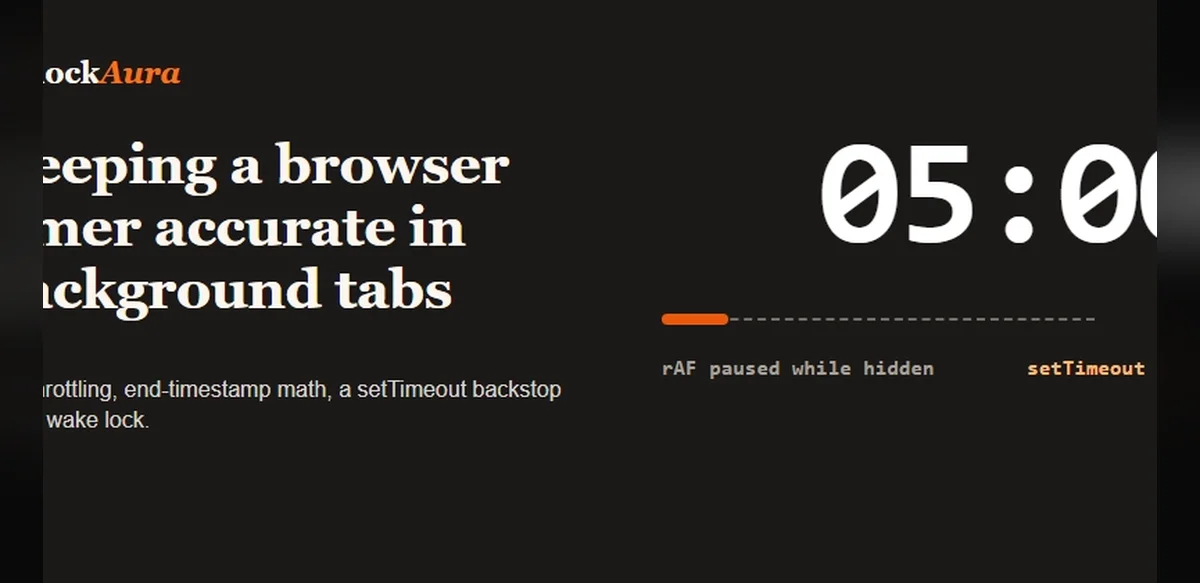
Web developers frequently encounter difficulties when attempting to maintain precise timing functions within browser environments, particularly when tabs become inactive. This issue arises because modern browsers implement power-saving measures that throttle JavaScript execution in background tabs, leading to inaccuracies in countdowns, stopwatches, and interval-based tools.
The core problem stems from how browsers handle scheduling. Functions such as setTimeout and setInterval are subject to variable delays once a tab loses focus. Chrome and similar platforms may extend these delays significantly to conserve resources, sometimes stretching a one-second interval to several seconds or more. This behavior disrupts applications relying on consistent timing, including productivity aids like Pomodoro sessions or fitness interval trackers.
Developers have explored multiple approaches to mitigate these limitations. One common strategy involves leveraging the Page Visibility API to detect when a tab shifts to the background and adjust timing logic accordingly. By monitoring visibility changes, scripts can switch to alternative mechanisms that preserve accuracy without excessive resource consumption.
Another technique centers on Web Workers, which operate independently from the main browser thread. These dedicated scripts continue executing even when the primary tab is inactive, allowing timers to maintain their intended pace. However, implementation requires careful handling of communication between the worker and the main page to ensure seamless updates to the user interface upon tab reactivation.
Performance considerations also play a role. Overly aggressive timing corrections can increase CPU usage, potentially negating the benefits of background throttling. Balanced solutions often combine visibility detection with periodic synchronization checks, ensuring timers remain reliable while respecting browser constraints.
Cross-browser testing reveals variations in behavior. Firefox applies different throttling thresholds compared to Safari or Edge, necessitating adaptive code that accounts for platform-specific quirks. Developers typically maintain compatibility layers to deliver consistent experiences across environments.
The implications extend beyond individual tools. Educational platforms, financial dashboards, and health monitoring sites all depend on accurate background timing for notifications and data logging. Inaccurate timers can lead to missed reminders or flawed session tracking, affecting user trust and application utility.
Ongoing discussions within the developer community highlight potential future improvements. Proposals for enhanced timing APIs aim to provide more reliable background execution options without compromising system efficiency. Until such standards mature, current best practices emphasize testing under real-world conditions and documenting limitations transparently for end users.
Ultimately, addressing timer precision in inactive tabs requires a combination of technical ingenuity and awareness of browser policies. As web applications grow more sophisticated, these challenges underscore the need for robust, adaptable timing strategies that function reliably across diverse usage scenarios.