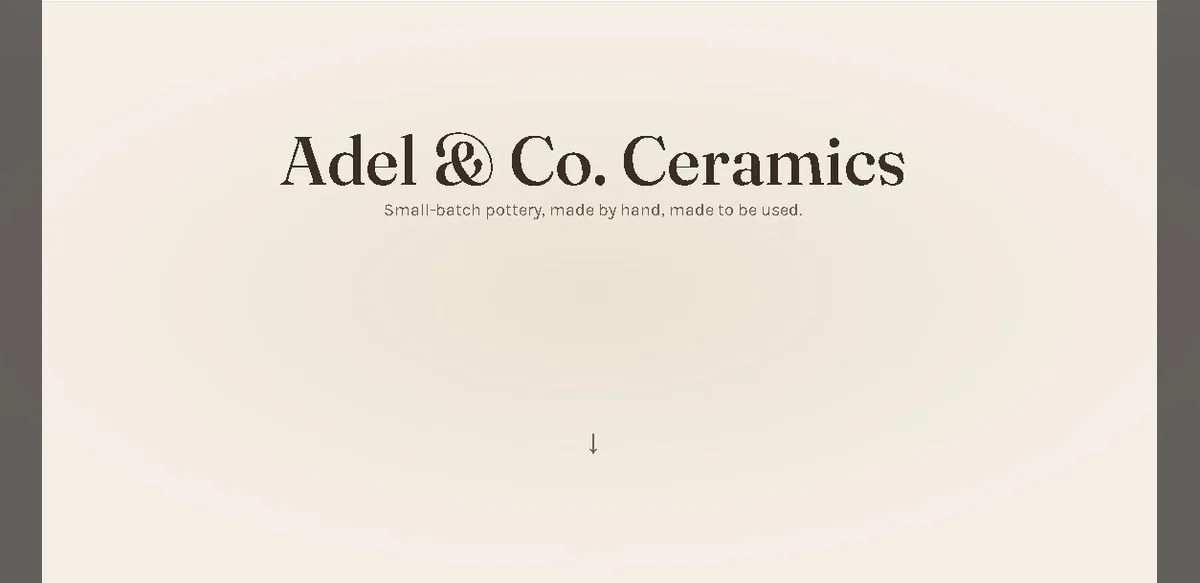
A developer recently created a single-page website for a fictional pottery artisan as part of a practice exercise. The project included standard sections such as a hero banner, an about section, a gallery of works, and a contact form. After completing the build, the site achieved a perfect score of 100 on an automated accessibility evaluation tool. This result initially suggested full compliance with common accessibility standards.
However, further manual review uncovered several issues that the automated system had not detected. Automated tools often focus on technical markers such as color contrast ratios, presence of alternative text for images, and basic structural elements. In this case, those checks passed without issue. The developer noted that real-world usability for individuals relying on assistive technologies required additional examination beyond the numerical score.
One area of concern involved navigation patterns that functioned correctly with a mouse but presented challenges when tested using only keyboard inputs. Certain interactive elements lacked clear focus indicators, making it difficult for users to track their position on the page. Although the automated checker did not flag these elements, practical testing revealed the gaps.
The gallery section also raised questions. While images carried descriptive labels, the arrangement and labeling did not fully account for users who navigate sequentially through content. Some descriptions were technically accurate yet lacked context that would help a visitor understand the sequence or significance of the displayed items.
The contact form presented another example. Form fields met basic labeling requirements, yet the error messaging and submission feedback were not optimized for screen reader users. Automated systems may confirm that labels exist, but they do not always evaluate whether those labels convey sufficient information during actual use.
This experience highlights a broader point about reliance on automated accessibility scores. Such tools serve as useful starting points for identifying obvious problems. They cannot replace comprehensive manual testing that includes diverse user perspectives and assistive technology simulations.
Industry experts have long emphasized that accessibility is best approached as an ongoing process rather than a one-time checklist. Scores provide measurable benchmarks, yet they represent only part of the evaluation. Developers are encouraged to combine automated reports with user testing sessions to uncover issues that algorithms miss.
In the case of the pottery website, adjustments were made after the manual review. Focus styles were enhanced, gallery descriptions were expanded for better context, and form feedback was refined. These changes did not alter the visual design significantly but improved the experience for a wider range of visitors.
The project serves as a reminder that high automated scores should prompt further investigation rather than signal completion. Accessibility standards evolve, and user needs vary. Continuous evaluation remains essential for creating inclusive digital experiences.
Organizations and individual developers alike can benefit from viewing accessibility as an integral part of the design and development workflow. Integrating regular manual checks alongside automated scans helps ensure that websites function effectively for everyone, regardless of ability.
Ultimately, the 100 score on the practice site did not indicate the absence of accessibility concerns. It simply marked the beginning of a more thorough review process that addressed real usability factors.